

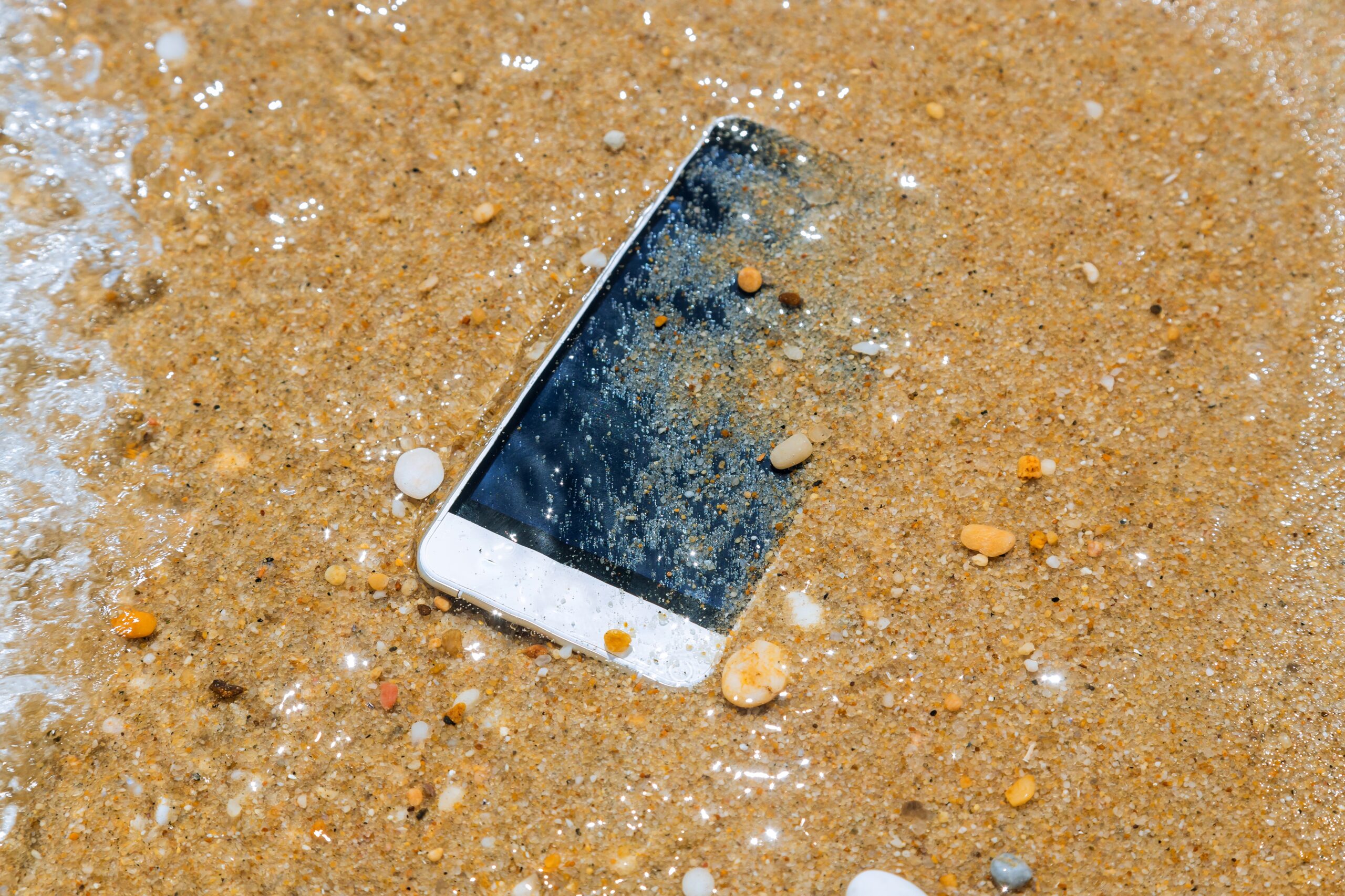
Losing your iPhone can be stressful, especially if you are away from home or traveling in Kenya. Personal images, contacts, messages, financial details, social networking accounts, and other crucial information might be stored on your phone. The good news is that you can take several steps to locate your iPhone, protect your information, and improve your chances of getting it back.
Whether you lost your iPhone in Nairobi, Mombasa, Kisumu, Nakuru, or another part of Kenya, acting quickly is important. Here is a step-by-step guide to help you recover your device and keep your personal information safe.
1. Remain composed and try to recall where you last had it.
Before assuming that your iPhone was stolen, think carefully about where you used it last. You may have left it in a taxi, restaurant, shopping mall, hotel, office, school, or at a friend’s house.
Try to remember:
- When you last used your iPhone
- Where you were at that time
- Putting it in your pocket or in your luggage
- Whether someone else may have picked it up
- Whether you used it in a car or public transport
If you think you simply misplaced it, retracing your steps may help you find it quickly.
2. Use Find My iPhone Immediately
The first and most important step is to use Apple’s Find My feature. If Find My was enabled before you lost your iPhone, you may be able to see its location on a map.
You can use another Apple device or access your Apple Account through a web browser to check the location of your iPhone.
If the phone is online, its current location may appear. If it is offline, you may still see its last known location, depending on your settings and Apple’s Find My network.
If the location shows somewhere you recognize, such as your home, workplace, or a restaurant, check the area carefully.
3. Play a Sound on Your iPhone
If Find My shows that your iPhone is nearby, use the Play Sound option. Your iPhone can play a sound even if it is set to silent mode.
This can be especially useful if the phone is under a sofa, inside a bag, between car seats, or somewhere else nearby.
If you are searching in a public place, listen carefully for the sound and check nearby areas.
4. Turn On Lost Mode
If you cannot find your iPhone immediately, enable Lost Mode through Find My.
Lost Mode locks your iPhone and can display a message and contact number on the screen. This gives an honest person a way to contact you if they find your phone.
For example, your message could say:
“This iPhone is lost. Please call this number to return it.”
Lost Mode also helps protect your personal information by locking the device.
Do not include sensitive information such as your home address, passwords, banking details, or national ID number in the message.
5. Do Not Try to Recover a Stolen Phone Yourself
If Find My shows your iPhone at an unfamiliar location, do not immediately go there yourself.
For example, if the phone appears to be in an unknown building or neighborhood, it is safer to contact the police rather than confronting someone.
A location shown by Find My can be useful evidence, but it does not always tell you exactly where the phone is. GPS and network-based locations can sometimes be approximate.
Your safety should always come first.
6. Report the Lost or Stolen iPhone to the Police
If you believe your iPhone was stolen, report the incident to the local police in Kenya.
Give them as much useful information as possible, including:
- iPhone model
- Color
- Phone number
- IMEI number
- Serial number
- Where and when you lost it
- Last known location
- Any information about the person or situation involved
If you have proof of purchase, keep it available. The IMEI number can also be particularly useful when reporting a stolen phone.
7. Find Your iPhone’s IMEI Number
Your IMEI is a unique identification number associated with your mobile device. You may need it when reporting a stolen phone or contacting your mobile network provider.
If you no longer have the iPhone, you may still find the IMEI on the original box, purchase documents, or through your Apple Account/device information.
Keep a record of your IMEI somewhere safe. It can be useful if your phone is ever lost or stolen.
8. Contact Your Mobile Network Provider
Contact your Kenyan mobile network provider as soon as possible if your SIM card is inside the lost iPhone.
Ask the provider to block or suspend the SIM card so that someone else cannot use your number.
This is particularly important if you use your phone number for:
- Mobile banking
- SMS verification
- Social media accounts
- Email accounts
- Two-factor authentication
- Mobile money services
If you use services such as M-PESA, take extra care to secure your account and contact the relevant provider if you believe someone may have access to your mobile number or financial accounts.
9. Protect Your Apple Account and Other Accounts
Your iPhone may contain access to many online accounts. If you believe someone has access to your phone or knows your passcode, change important passwords as soon as possible.
Start with your:
- Apple Account
- Banking accounts
- Social media accounts
- Shopping accounts
- Messaging apps
Also review your account security settings and remove unfamiliar devices or sessions where appropriate.
Never share your Apple Account password, iPhone passcode, or verification codes with someone who claims they have found your phone.
10. Be Careful of Fake “Your iPhone Has Been Found” Messages
After losing an iPhone, you may receive text messages or emails claiming that your phone has been found.
Be careful.
Scammers may try to trick you into entering your Apple Account password on a fake website. They may also ask for a verification code or iPhone passcode.
Apple will not require you to give your password or verification code to someone who claims to have recovered your phone.
If you receive a suspicious message, do not click unknown links or provide personal information.
11. Consider Erasing the iPhone Remotely
If you are certain that you cannot recover the iPhone and you are worried about your personal information, you can use Find My to remotely erase the device.
However, do not rush to erase it if you are still actively trying to locate it. Once the device is erased, some tracking and recovery options may be limited.
If you do erase your iPhone remotely, do not remove it from Find My or your Apple Account just because someone asks you to. Removing it can make it easier for a thief to use or resell the device.
12. Check Places Where Lost Phones Are Commonly Found
If you believe the iPhone was accidentally left somewhere, contact the businesses or places you visited.
Ask staff at:
- Hotels
- Restaurants
- Shopping malls
- Airports
- Offices
- Universities
- Public transport stations
- Taxi or ride-hailing services
If you used a taxi or ride-hailing service shortly before losing your phone, check your trip history and contact the company through its official support system.
What If My iPhone Was Not Enabled?
If Find My was not enabled before the iPhone went missing, tracking the phone becomes much more difficult.
You should still report the loss, contact your mobile network provider, secure your accounts, and consider changing important passwords.
If you have the IMEI number, provide it to the relevant authorities and your network provider.
Conclusion
Losing an iPhone in Kenya can be frightening, but acting quickly can make a big difference. Start by checking Find My, playing a sound if the phone may be nearby, and enabling Lost Mode. If you believe the device was stolen, avoid confronting anyone yourself and report the incident to the police.
You should also contact your mobile network provider, protect your Apple Account and financial accounts, and watch out for phishing messages claiming that your iPhone has been found.
Most importantly, remember that your personal safety and information are more valuable than the device itself. If recovering the phone puts you at risk, do not attempt to retrieve it alone. Take the proper security steps and let the appropriate authorities handle the situation.