

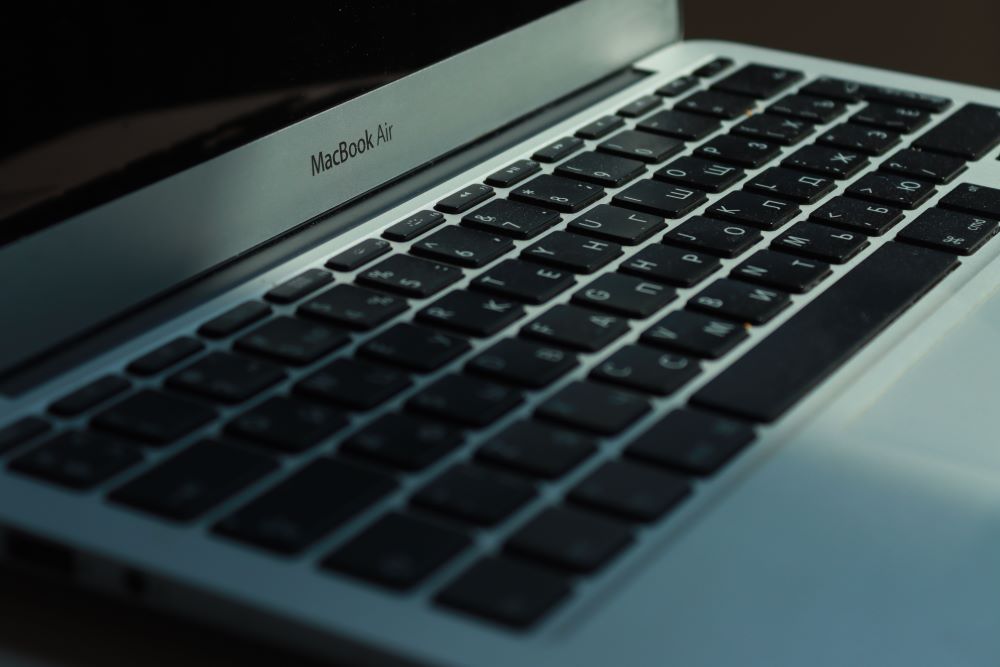
Walk into any coffee shop, university library, or co-working space and you’ll spot them within seconds: thin, silver-ish laptops with that glowing apple on the lid. The MacBook Air is the default laptop for people.. Being popular does not mean it is right for you.
So let’s skip the sales pitch and talk honestly about who the MacBook Air suits, who might be happier with something else, and how to decide without losing a weekend to spec sheets.
MacBook Air: Buy It or Skip It?
Picture three people standing in an electronics shop on the same Saturday.
The first is a second-year student with a tote bag full of textbooks and a laptop that dies by lunchtime. The second is a video editor whose machine currently sounds like a hair drier each time she exports a project. The third is a retired schoolteacher who wants something to video-call his grandchildren and keep track of his photos.
All three are staring at the same silver laptop. Only one of them should buy it without thinking twice. Let’s work out who, and why.
The student: probably yes
Students rarely need raw power. They require a machine that can endure a full schedule. Think about a typical campus day: a laptop out in the morning lecture, again in the library, again in a café during a group project, then open on a bed at night. No one wants to struggle for a wall plug or carry a charger everyplace they go.
The Air is built for exactly this rhythm. It is compact enough that you won’t even notice it in your luggage and easily handles essays, research, PowerPoint, and spreadsheets. Longevity is a bigger win. Typically, a student laptop must survive for four years during their degree program, their first job search, and maybe a move overseas. Macs from this line tend to still feel usable at the end of that stretch, and that’s where the higher price starts to make sense.
One caution: see if your course requires software that is exclusive to Windows. Some engineering, architecture, and accounting programs do. You may avoid a costly error by sending your department a two-minute email.
The video editor: probably not
Here’s where the Air shows its limits. It has no cooling fan. That is why the MacBook Air is very quiet. It also means that when you use it hard for a time the MacBook Air slows down quietly so it does not overheat. Editing a short clip for social media? Fine. Rendering a forty-minute project with effects, colour grading, and multiple audio tracks? The Air will do it, but you’ll sit there watching a progress bar while a MacBook Pro, with its proper cooling, finishes sooner.
Time is money for anyone who edits for a living. A faster machine pays for itself if it saves you one hour every week. For her the MacBook Air is the tool and I would say that even though the MacBook Air is a lovely laptop.
The retired teacher: yes, with one caveat
For video calls, email, photos, and the occasional document, he’d be happy with almost anything. So why spend more on an Air?
Simplicity. Apple’s laptops have a reputation for working without much fuss, and for someone who doesn’t enjoy troubleshooting, that matters. Fewer pop-ups, fewer mysterious updates, fewer evenings ringing a nephew for help. The caveat is price. If he would be happy with a laptop spending extra money just for the Apple logo is not smart. This is the group where I would ask people to be honest with themselves.
The questions worth asking before you pay
Forget spec sheets for a moment. Ask these instead.
- What won’t help me most in a week? People buy laptops for the person they imagine becoming, such as the one who edits films, learns coding or starts a podcast. Then they use it for browsing and email. Buy for the habits you have now.
- How long do I plan to keep it? If you want one machine that lasts six years spend a little money at first because cheaper laptops often feel tired by year three.
- Am I already in Apple’s world? If you own an iPhone, the pairing with the MacBook Air is very handy. Information, images and messages can be shared easily between MacBook Air and iPhone. If your phone is Android and your tablet is something else, you lose that advantage, and the Air becomes just a very nice laptop.
- Do I need to plug things into the MacBook Air? The Air offers only a couple of ports. If you regularly use USB sticks, memory cards, or external monitors, factor in the cost of a small hub.
Configuration: where people go wrong
Most regret comes from choosing the version of the MacBook Air not from choosing the wrong laptop. Memory is the biggest one. You can’t upgrade it later, because it’s built into the machine. Buying the lowest option to save money is like buying shoes a size too small because they were on sale. It seems fine in the shop. A year or two later, it starts to hurt. Move up if you can afford it.
Storage on the MacBook Air is similar. There is a workaround: cloud services and cheap external drives can hold extra data. If money is tight, focus on memory more, than storage. Screen size is more personal. A smaller screen travels better, while a larger one is kinder to your eyes and your neck if the laptop mostly lives on a desk. Be realistic about where you’ll actually use it.
The money question
Let us be honest: the MacBook Air costs more than laptops that look similar, on paper. Some people feel that’s unfair, and I understand. But two things soften the blow.
First, resale value. Used Macs hold their price remarkably well. Because you receive a significant portion of your purchase price back, selling your MacBook Air within a year reduces the cost. Second, if you’re buying new, look for student discounts, refurbished units from the official store, or seasonal sales. Refurbished machines come with a warranty and are often hard to tell from new.
If nothing else is working, don’t push the numbers. A solid mid-range Windows laptop is a perfectly respectable choice, and a good one will serve you well.
A small test before you decide
Visit a shop and spend ten minutes with the thing. Type a paragraph. Drag your finger across the trackpad. Open the lid with one hand. Close it again.
It sounds silly. You will use the MacBook Air for thousands of hours. Comfort matters more than most specs, and your hands often reach a verdict before your brain does.