

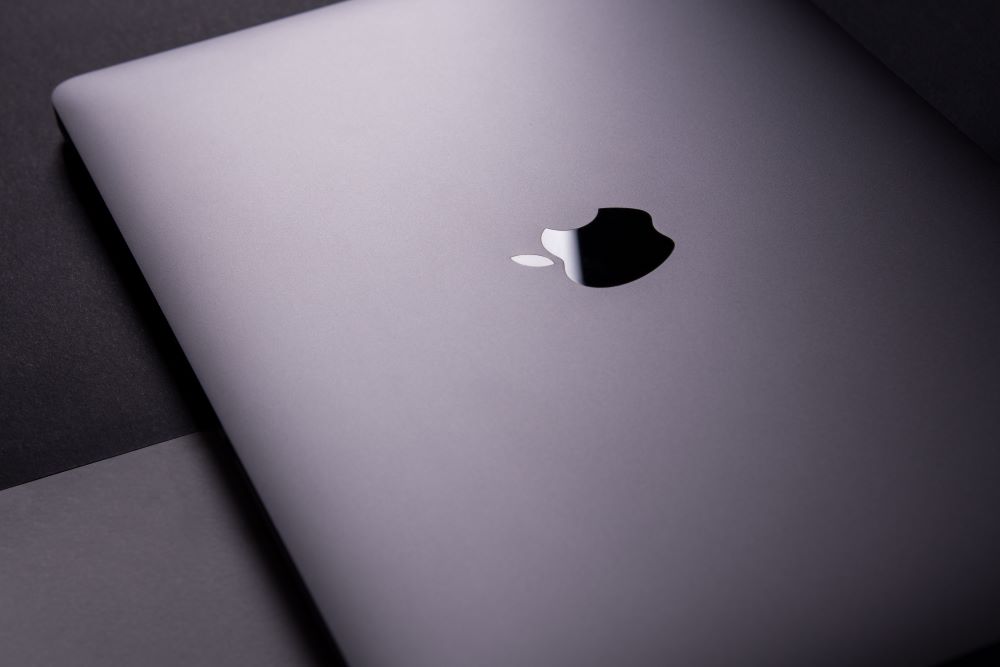
Every few months, a friend asks me the same question: “Which MacBook should I buy?” I’ve stopped giving a long answer. Nine times out of ten, I say, “Get the 13-inch Air.”
That sounds lazy, so let me earn it. “Perfect” is a big word, and no laptop is perfect for everyone. But for a very large slice of people, the 13-inch MacBook Air with the M5 chip comes closer than anything else Apple makes.
It Disappears in Your Bag
Portability is the whole point of this machine, so start there. The 13-inch Air weighs 2.7 pounds and measures just 0.44 inches thick. That’s roughly the weight of a hardcover book and a half.
You notice this on days when you carry your laptop everywhere. You toss it in a backpack next to your lunch, and an hour later you forget it’s there. Then you take a train, sit in a café, walk across campus, and your shoulder never complains.
There’s an even smaller option now. Although it weighs the same as the Air, Apple’s less expensive MacBook Neo takes up less space. For most people, though, the Air’s slightly bigger body buys a better screen and more power, and I think that’s worth it.
A Screen That Doesn’t Feel Cramped
The display is a 13.6-inch panel, and its resolution is 2,560 x 1,664. That’s sharp enough that text looks crisp and photos pop, even in a small frame.
Could you use a bigger screen? Sure, if you edit video all day or keep six windows open at once. But if you want a laptop you can actually carry around, 13 inches is a comfortable size. It’s big enough for emails, documents, spreadsheets, and a Netflix binge. It’s also small enough to open on an airplane tray table without playing Tetris with your elbows.
If you like the Air but want more room, a 15-inch version exists too. It’s heavier, and weighs 3.3 pounds, so you give up some of what makes the 13-inch special.
Power You Won’t Outgrow Quickly
Thin laptops used to mean slow laptops. That’s no longer true.
The M5 chip packs ten processor cores and ten graphics cores. In plain English, it handles everyday work with ease. Dozens of browser tabs, a video call, a music app, and a few documents all run together without the machine breaking a sweat.
Reviewers have mostly agreed on the big picture. One outlet described it as every bit as good as the M4 predecessor, but a little faster. That sounds modest, and it is. This isn’t a dramatic leap. It’s a refinement. But when the starting point was already excellent, “a little faster” is fine by me.
The Air is also fanless. There’s nothing inside to whir, spin, or buzz. You can use it in a quiet library or next to a sleeping baby, and nobody will know it’s working.
The trade-off is that if you push it hard for a long time, say with long video exports or heavy 3D work, it will eventually slow down to manage heat. Anyone doing that daily should look at a MacBook Pro. For everyone else, you’ll rarely hit that wall.
The Base Model Finally Feels Complete
Here’s something I genuinely appreciate. For years, the cheapest MacBook came with storage that filled up embarrassingly fast. That’s changed.
The $1,099 base model includes a 512GB SSD, up from the previous 256GB base spec. The entry-level model also comes with 16GB of unified memory. That used to be a paid upgrade. This matters more than any benchmark. Memory and storage are the two things you can’t upgrade later, because the RAM and storage are soldered down. So getting a healthy amount from day one means your laptop stays useful for longer. Think of it as buying a pair of shoes that fit now and will still fit in four years.
Battery Life That Takes the Stress Away
Apple claims up to 18 hours of battery life. Real life will vary, especially if you stream video or use a bright screen. But the practical effect is simple: you can leave the charger at home on most days.
I can’t overstate how freeing that is. No hunting for outlets. No glancing nervously at the battery icon during a meeting. Simply use the laptop until the end of the day and then plug it in for the nite.
Small Upgrades That Add Up
The M5 Air brings a few quieter improvements. It supports Wi-Fi 7 through Apple’s newer wireless chip, so your connection should be faster and steadier on modern routers. It also offers a 12MP Center Stage camera with Desk View, which is genuinely useful for video calls and for showing something on your desk.
It still has four speakers that sound surprisingly full for such a thin body. You also get your choice of colors: Sky Blue, Starlight, Silver, or Midnight. These aren’t flashy features, but together they make daily use smoother.
The Honest Downsides
Now for the part where I stop gushing, because “perfect” deserves some scrutiny.
- The price went up. The new Air costs $100 more than the M4-based model. Apple gave you more storage to justify it, which helps, but a higher price is still a higher price. If you’re on a tight budget, an older M4 Air on clearance might be the smarter buy, especially one with 16GB and 512GB. It’s a solid laptop that will serve most people well.
- It has no touchscreen. If you love tapping and drawing on your display, this isn’t your machine. Apple still wants you to buy an iPad for that.
- It isn’t a powerhouse. Professional editors, 3D artists, and developers who compile massive projects will outgrow it. They’ll want the extra cooling and muscle of a Pro.
- You can’t fix or upgrade it yourself. What you buy is what you keep. Choose your memory and storage carefully at checkout, because there’s no second chance.
- Ports are limited. It’s fine for most people, but if you juggle lots of accessories, you may want a small dongle or dock.
So Who Should Buy It?
The 13-inch MacBook Air makes sense for most people:
- Students who need something light, reliable, and long-lasting.
- Remote workers and travelers who live out of a bag.
- Writers, marketers, and office professionals who spend their days in browsers, documents, and video calls.
- Casual creators who edit photos or cut the occasional video.
- Anyone upgrading from an older Intel Mac or a Windows laptop that’s started to feel sluggish.
You should probably skip it if you already own an M3 or M4 Air and your current one still feels fast. The improvements are real but small, and your money is better saved.
Conclusion
Is it the perfect portable Apple laptop? For most people, I’d say it’s the closest thing we’ve got.
It’s light enough that you forget it’s there. It’s fast enough that you stop thinking about speed. It lasts long enough that you stop thinking about the charger. And now that the base model ships with sensible memory and storage, you aren’t forced into an upgrade just to get a usable machine.
Is it flawless? No. It costs more than it used to, and it won’t satisfy heavy professionals. But “perfect” doesn’t have to mean flawless. Sometimes it just means the best balance of everything you care about, and on that measure, the 13-inch MacBook Air is hard to beat.
If you want a laptop you can pick up, carry anywhere, and trust for years, this is the one you should point on to.