

Every year, Apple tells us its new chip is faster. After a while, those claims start to blur together. A 15% bump here, a 20% bump there, and you wonder whether your current Mac is really holding you back.
The M5 deserves a closer look, though. Apple didn’t just turn up the dial on the same recipe. It changed where the AI work happens inside the chip, and that could change how your Mac feels day to day over the next several years.
Let’s break down what’s new and who should care.
The big idea: AI built into the GPU
The headline change is easy to miss if you only skim the spec sheet. The M5 uses third-generation 3-nanometer technology and a new 10-core GPU design with a Neural Accelerator inside every core.
Think of it this way. On earlier Apple chips, most AI tasks leaned heavily on the Neural Engine, a dedicated block that handles machine learning. It’s good at its job, but it’s one block doing a lot of the heavy lifting. With the M5, the GPU cores can share that load. Apple says this delivers over four times the peak GPU compute for AI work compared with the M4.
That might sound like marketing, but the practical effect is straightforward. Tasks like generating images, running a local language model, or applying AI-based effects to video can spread across more of the chip. That usually means finishing sooner, and often using less power.
Faster, without being a gimmick
I know “4x” numbers can feel inflated, so here’s the grounded version. That figure is for peak AI compute, not everything you do on your Mac. Browsing, writing emails, and streaming video won’t suddenly quadruple in speed.
But the everyday gains are real too. Apple says the CPU delivers up to 15 percent faster multithreaded performance than the M4. Graphics performance is up to 45 percent higher, helped by third-generation ray tracing.
Those aren’t earth-shattering on their own. But combined with the AI improvements, you get a chip that’s faster at the things people increasingly do on their computers: editing, rendering, multitasking, and working with AI tools.
Memory bandwidth: the quiet hero
If you only remember one boring-sounding spec from this article, make it memory bandwidth. It’s one of those details that sounds technical, but it affects how smooth everything feels.
The M5 raises unified memory bandwidth by nearly 30 percent, to 153GB/s.
Why does that matter? Apple’s chips use unified memory, meaning the CPU, GPU, and Neural Engine all share one pool. The faster data can move in and out of that pool, the less any part of the chip sits around waiting. It’s like widening a highway. You can have the fastest cars in the world, but if the road is jammed, nobody gets anywhere quickly.
This matters most for large files, big projects with lots of layers, and AI models, which are famously hungry for memory.
Local AI is becoming the main event
Here’s where I think the M5 gets interesting, and why it could age well.
Apple has been pushing the idea that your device should handle AI tasks on its own, not by sending everything to a server. The focus is on speeding up AI-enhanced features without sending requests to the cloud, including faster local image generation in Image Playground and snappier Apple Intelligence responses.
There are good reasons to care about this:
- Privacy: Your photos, documents, and prompts stay on your machine.
- Speed: No waiting on a network round trip.
- Offline use: Your tools still work on a plane or in a spotty café.
- No usage limits: Local processing doesn’t meter you per request.
If you’re a developer, researcher, or hobbyist who runs models locally, this is a big deal. The extra GPU AI throughput and memory bandwidth help people running local LLMs or testing quantized models. For everyone else, it means Apple’s built-in intelligence features should feel more responsive and more capable as software catches up.
Who benefits most?
Not everyone needs to rush out and upgrade. Here’s my honest read.
- Creators and editors. If you work in video, photo, 3D, or audio, the stronger GPU and extra bandwidth should shorten export times and make timelines feel smoother. Apps built on Apple’s Metal, Core ML, and Tensor APIs can see immediate speed and responsiveness gains, so many tools will benefit without waiting for big rewrites.
- Developers and AI tinkerers. This is arguably the group with the most to gain. Faster on-device inference means shorter test cycles and the ability to try ideas without paying for cloud time.
- Students and professionals on older Macs. If you’re still on an Intel Mac or an early M1, the jump will feel dramatic. Apple says the M5 delivers over six times the peak GPU compute for AI compared with the M1. That’s a big gap to close in a few years.
- Everyday users. If your M2, M3, or M4 Mac is running fine, you can probably wait. The M5 is impressive, but it isn’t a reason to panic-buy.
The family keeps growing
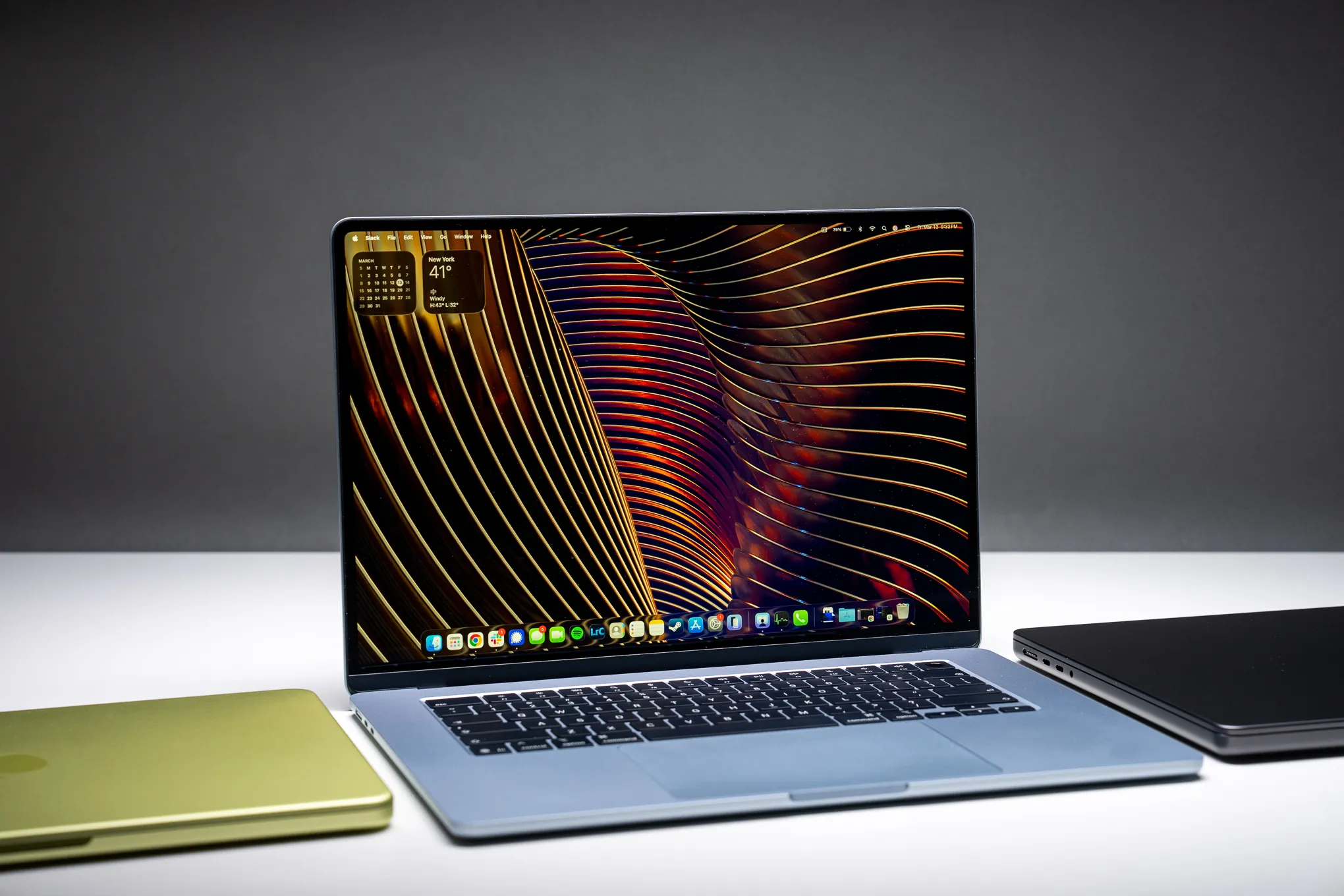
The M5 started in the 14-inch MacBook Pro, but it hasn’t stayed there. The chip now appears across the MacBook Air, MacBook Pro, iPad Pro, Vision Pro, and Mac Studio, and an M5 Ultra arrived in August 2026 alongside an updated Mac Studio.
That wide rollout tells you something. Apple is treating this architecture as the foundation for its whole lineup, not a one-off experiment. Whichever Mac fits your budget and needs, you’re likely to find the same core ideas inside.
Longevity: the real upgrade argument
Here’s the angle I find most convincing. Macs last a long time. Plenty of people keep one for six or seven years.
If you buy a Mac today, you’re buying for where software is going, not just where it is now. And software is clearly heading toward more on-device AI, more intelligent search, smarter editing tools, and assistants that understand context. A chip built around AI performance from the ground up is better prepared for that future than one where AI was bolted on later.
That doesn’t mean older Macs become useless. They don’t. But the M5 gives you more headroom, which is a nice thing to have when software keeps asking for more.
Where the M5 might disappoint
I’d be doing you a disservice if I only cheered. A few honest caveats:
- Gains vary by task. Ordinary day-to-day computing won’t feel wildly different from an M4.
- Software needs to catch up. AI-focused improvements shine brightest in apps that actually use the new hardware.
- Pricing still matters. Apple’s storage and memory upgrades can add up fast, and the base configurations may be tight for heavy AI work.
- Peak numbers aren’t real-world numbers. Always look at independent benchmarks for the kind of work you do.
Should you upgrade?
Here’s a simple way to decide.
If you’re on an M1 or older and your Mac is starting to feel sluggish, the M5 is a strong reason to upgrade. You’ll feel the difference in nearly everything.
If you’re on an M2 or M3 and do demanding creative or AI work, it’s worth a serious look, especially if you’re hitting limits on rendering time or memory.
If you’re on an M4 and mostly browse, write, and stream, hold off. You’d be paying for improvements you might rarely notice.
Conclusion
The M5 isn’t just another yearly refresh with a bigger number attached. By putting AI acceleration into every GPU core and widening memory bandwidth, Apple has shifted the chip toward how people are starting to use computers: creating, experimenting, and working alongside intelligent tools without leaning on the cloud.
For some people, that’s a nice bonus. For others, it’s a real step forward that will pay off for years. Figure out which group you’re in, and the decision gets a lot easier.