

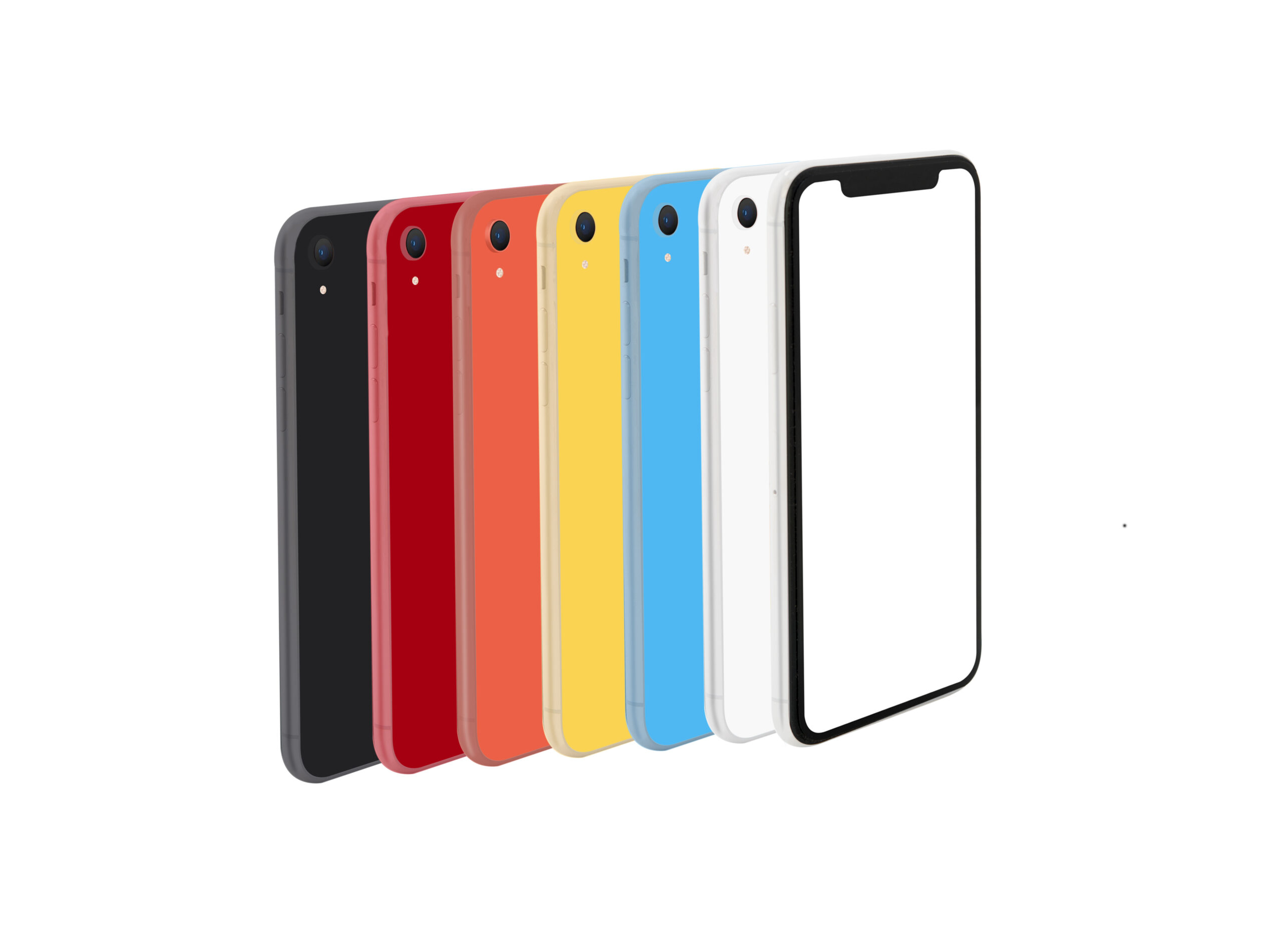
Because of its high performance and reasonable pricing, the iPhone XR is still a popular smartphone in Kenya, particularly in Nairobi. If you own an iPhone XR, you may be wondering whether it can run iOS 17 and if it is worth updating. The good news is that the iPhone XR fully supports iOS 17.
In this guide, we will explain everything you need to know about using iOS 17 on your iPhone XR in Kenya.
Does iPhone XR Support iOS 17?
Indeed, iOS 17 is compatible with the iPhone XR. Apple included the iPhone XR in the list of devices that can receive the iOS 17 update. This means you can enjoy many of the latest features without buying a new phone.
What New Features Does iOS 17 Bring?
Updating to iOS 17 gives your iPhone XR several useful improvements, including:
Contact Posters
You can customize how your name and photo appear when calling other iPhone users.
Live Voicemail
See a live transcription of voicemail messages while someone is leaving them.
StandBy Mode
Turn your iPhone into a smart display while charging. It can show the clock, photos, calendar, and widgets.
Improved Messages
Enjoy new stickers, easier search options, and better message organization.
Better Security
iOS 17 includes important security updates that help protect your personal information and device.
How Does iOS 17 Perform on iPhone XR?
Most users find that iOS 17 works well on the iPhone XR. Everyday tasks such as calling, messaging, social media browsing, watching videos, and using mobile banking apps run smoothly.
However, due to the iPhone XR’s age, some users might observe:
- Slightly slower performance in heavy apps
- Longer loading times for some games
- Faster battery drain after updating
Keeping your storage free and updating apps regularly can help maintain good performance.
How to Install iOS 17 on Your iPhone XR
Follow these simple steps:
- Connect to a stable Wi-Fi network.
- Charge your phone to at least 50%.
- Open Settings.
- Tap General.
- Select Software Update.
- Download and install iOS 17.
Before updating, it is a good idea to back up your data using iCloud or a computer.
Is It Worth Updating in Nairobi, Kenya?
For most users in Nairobi and across Kenya, updating to iOS 17 is a smart choice. The update brings better security, useful new features, and improved app compatibility. Popular apps used in Kenya, such as WhatsApp, Facebook, Instagram, and mobile banking applications, continue to work well on iOS 17.
Tips for Kenyan Users
- Use a reliable Wi-Fi connection when downloading the update.
- Back up important photos and contacts before updating.
- Keep at least 10GB of free storage available for smoother installation.
- Update your apps after installing iOS 17.
Conclusion
The iPhone XR can successfully run iOS 17 and remains a capable smartphone for users in Kenya. Whether you live in Nairobi or another part of the country, updating to iOS 17 can improve your phone’s security and give you access to useful new features. If your iPhone XR is in good condition, there is no need to upgrade immediately, as it can still provide a reliable smartphone experience with iOS 17.