

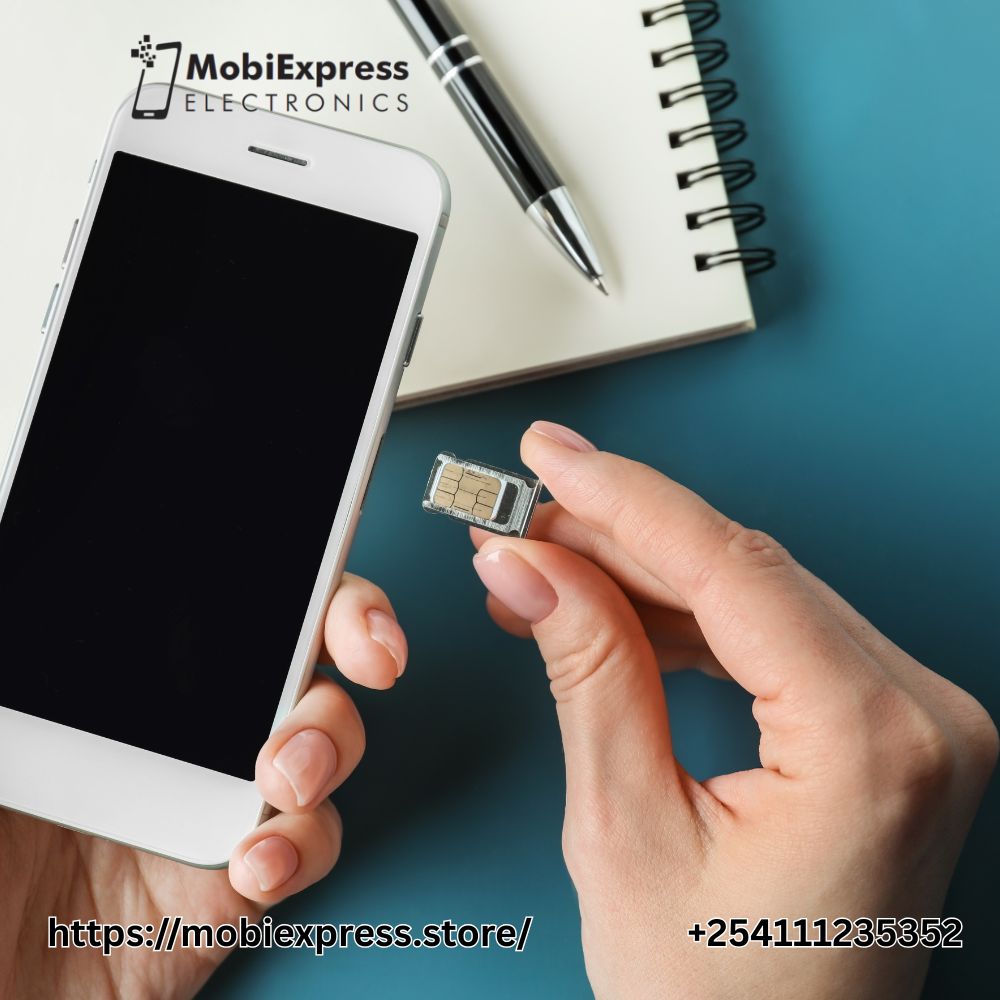
If you’ve ever bought a second-hand iPhone or one from another country, you might have faced a common problem: the phone is locked to a specific carrier (like AT&T, Verizon, or T-Mobile). That means you can’t use your local SIM card in it.
This is where RSim 17 comes in handy. Let’s break it down in simple words.
What Is RSim 17?
RSim 17 is a small SIM unlock chip that helps you use your iPhone with any carrier’s SIM card, even if your phone is locked to another network. It’s a thin, smart chip that fits right under your SIM card in the SIM tray.
Think of it as a bridge between your iPhone and your SIM card. It “tricks” the iPhone into thinking it’s using the original carrier’s SIM, allowing you to make calls, send messages, and use mobile data freely.
Step-by-Step Guide to Using RSim 17 on Your iPhone
Here’s how it works step-by-step:
- Insert the RSim 17 chip into the SIM tray.
- Place your SIM card on top of it.
- Insert the tray back into your iPhone.
- Once you restart the phone, a small menu will pop up on the screen.
- Select your iPhone model and carrier (from which the phone was originally locked).
- After saving the settings and rebooting, the phone will connect to your SIM network.
That’s it! Your iPhone is now working with your SIM card, even if it wasn’t officially unlocked.
What You Can Do After Using RSim 17
After using RSim 17, you can:
- Make and receive calls
- Send and receive SMS
- Use 4G or LTE mobile data
- Access internet-based apps like WhatsApp, Instagram, and more
Things You Should Know
Before you rush to buy one, keep these points in mind:
- RSim 17 does not permanently unlock your iPhone; it’s a temporary solution.
- If you update iOS or reset your phone, you might need to repeat the setup.
- Some features like iMessage or FaceTime activation may require extra steps.
- It’s best used for older iPhones or for people who don’t want to pay for an official carrier unlock.
Differences Between RSim 17 and Other SIM Unlocking Solutions
When it comes to unlocking an iPhone, there are many tools and methods available but RSim 17 stands out from the rest. Here’s how it’s different in simple terms:
- No Need for Jailbreaking
Unlike some old methods that require jailbreaking (which can be risky and void your warranty), RSim 17 works without jailbreaking your iPhone. It’s safe and easy to use. - Simple Setup Process
RSim 17 doesn’t need complicated steps or software. You just insert the small RSim chip along with your SIM card, follow the on-screen setup, and you’re done. Most other methods need extra tools or apps. - Supports the Latest iPhones and iOS Versions
Many unlocking methods stop working when Apple updates iOS. But RSim 17 is updated to support the latest iPhone models and iOS versions, so it stays reliable for new devices. - Works with Multiple Carriers
RSim 17 lets you use your iPhone with any carrier worldwide. Other unlocking tools often support only specific networks or countries. - No Permanent Changes to the Phone
RSim 17 doesn’t change your iPhone’s software or system settings. If you ever remove it, your phone simply goes back to its locked state with no harm done. Other unlocks can permanently alter phone files. - Affordable and Accessible
Compared to factory unlocks or paid online services, RSim 17 is much cheaper and available in most mobile shops or online stores.
Troubleshooting Common Issues with RSim 17
RSim 17 helps unlock iPhones to use any SIM card, but sometimes it may not work smoothly. Here are some common issues and quick fixes:
Common Problems:
- No service or “Searching”
- Activation error
- iMessage or FaceTime not working
- SIM not detected
- “SIM not supported” message
If you get no service, remove the SIM tray and make sure both the SIM and RSim are placed properly, then restart your phone.
For activation errors, reinsert the RSim, choose the correct carrier and iPhone model, and connect to Wi-Fi.
If iMessage or FaceTime won’t activate, turn them off and on again in Settings, then restart your phone.
When your phone shows no SIM detected, clean the tray gently and reinsert the cards carefully.
If you see “SIM not supported”, select the correct carrier again or reset network settings.
Is RSim 17 Safe and Legal to Use?
RSim 17 is a small chip that people use with iPhones to unlock them so they can work with different SIM cards. While it might seem like a simple and cheap solution, it’s important to know that RSim 17 is not fully safe or legal in most cases. It works by tricking the iPhone’s system into thinking the SIM card is from the original carrier, which goes against Apple’s official rules. This can cause software issues, network problems, or even block your phone if Apple detects it. Also, using RSim 17 may void your iPhone’s warranty. The safer and legal way to unlock your phone is to contact your carrier or use Apple’s official unlocking service.
Where to Buy Genuine RSim 17 Cards?
- You can buy original R-SIM 17 cards from trusted websites like eBay, DeviceParts.com, Alibaba, and DailySale.com.
- Always check the packaging, branding, and model name (R-SIM17) to make sure it’s genuine.
- Confirm that the card supports your iPhone model (6 to 13 Pro Max) and iOS version.
- Choose sellers with good reviews, warranty, or return policy to avoid fake products.
- Be careful of too-cheap prices, as they are often signs of counterfeit items.
- Remember, R-SIM cards are used to unlock carrier-locked iPhones, but results can vary with each device and iOS update.
Conclusion
RSim 17 is a smart and affordable way to use your locked iPhone with any SIM card. It’s easy to use, requires no technical skills, and works instantly. However, it’s not a permanent unlock, so if you plan to use your phone long-term, consider getting it officially unlocked by your carrier later. Shop Now
Frequently Ask Questions
1. What is R-SIM 17?
R-SIM 17 is a nano SIM unlock chip that allows iPhones to work with different carriers by bypassing network locks. It supports iPhone 6 through iPhone 13 on iOS 15 and above.
2. How does R-SIM 17 work?
It fits under your SIM card in the SIM tray. Once inserted, it helps unlock the phone by guiding it to connect to any compatible carrier through preset or manual codes.
3. Is R-SIM 17 safe to use?
Yes, when used correctly. It doesn’t damage the phone or SIM card, but users should follow setup instructions carefully to avoid connection errors.
4. Does R-SIM 17 work with 5G networks?
Yes. R-SIM 17 supports 4G LTE and 5G networks, depending on the phone model and carrier compatibility.
5. Can I update my iPhone after using R-SIM 17?
Updates can sometimes cause compatibility issues. It’s best to check if R-SIM 17 supports the new iOS version before updating your device.
6. Where can I buy R-SIM 17?
You can purchase R-SIM 17 from authorized online retailers or tech accessory stores. Always buy from trusted sellers to ensure authenticity and support.